
 Image 1 of 2
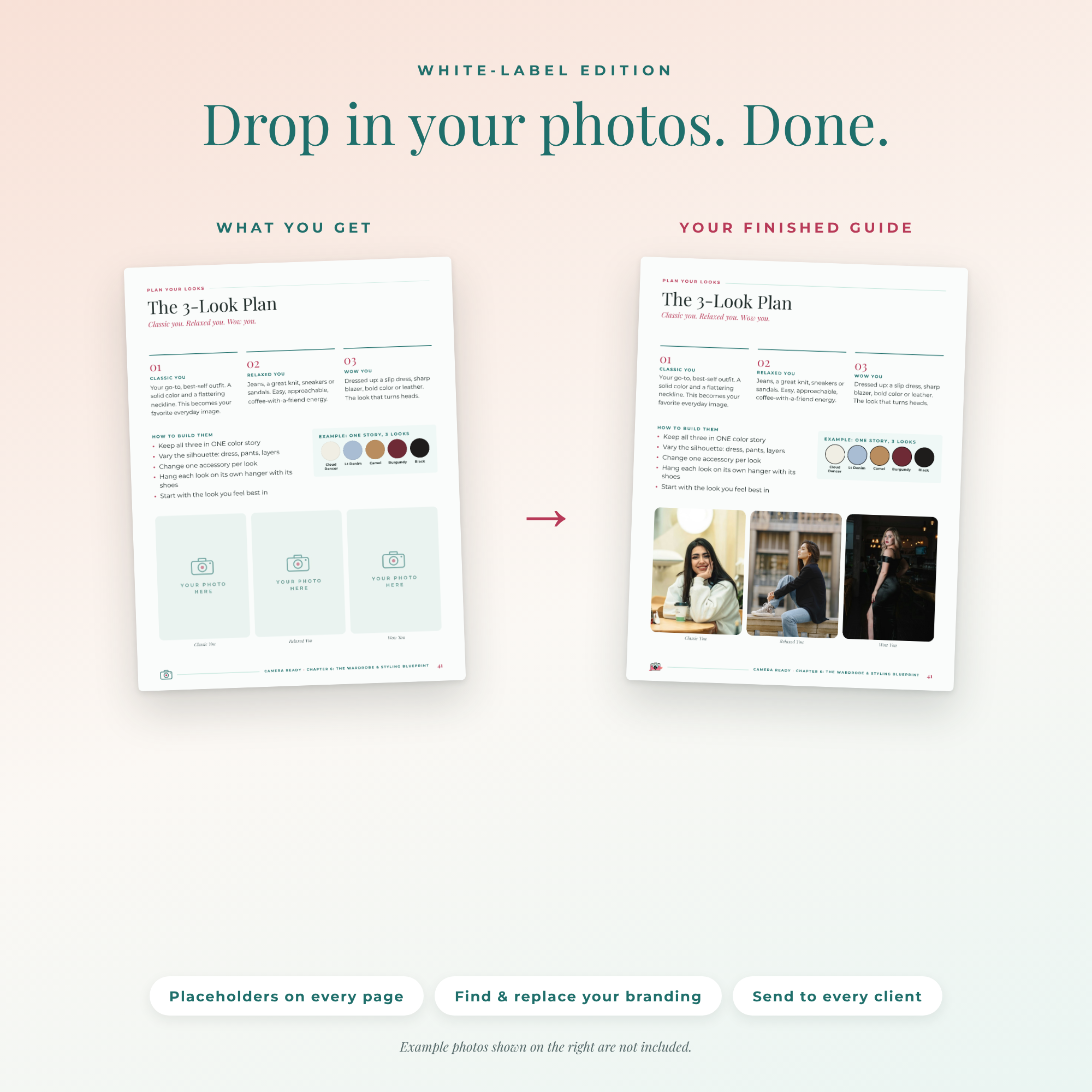 Image 2 of 2
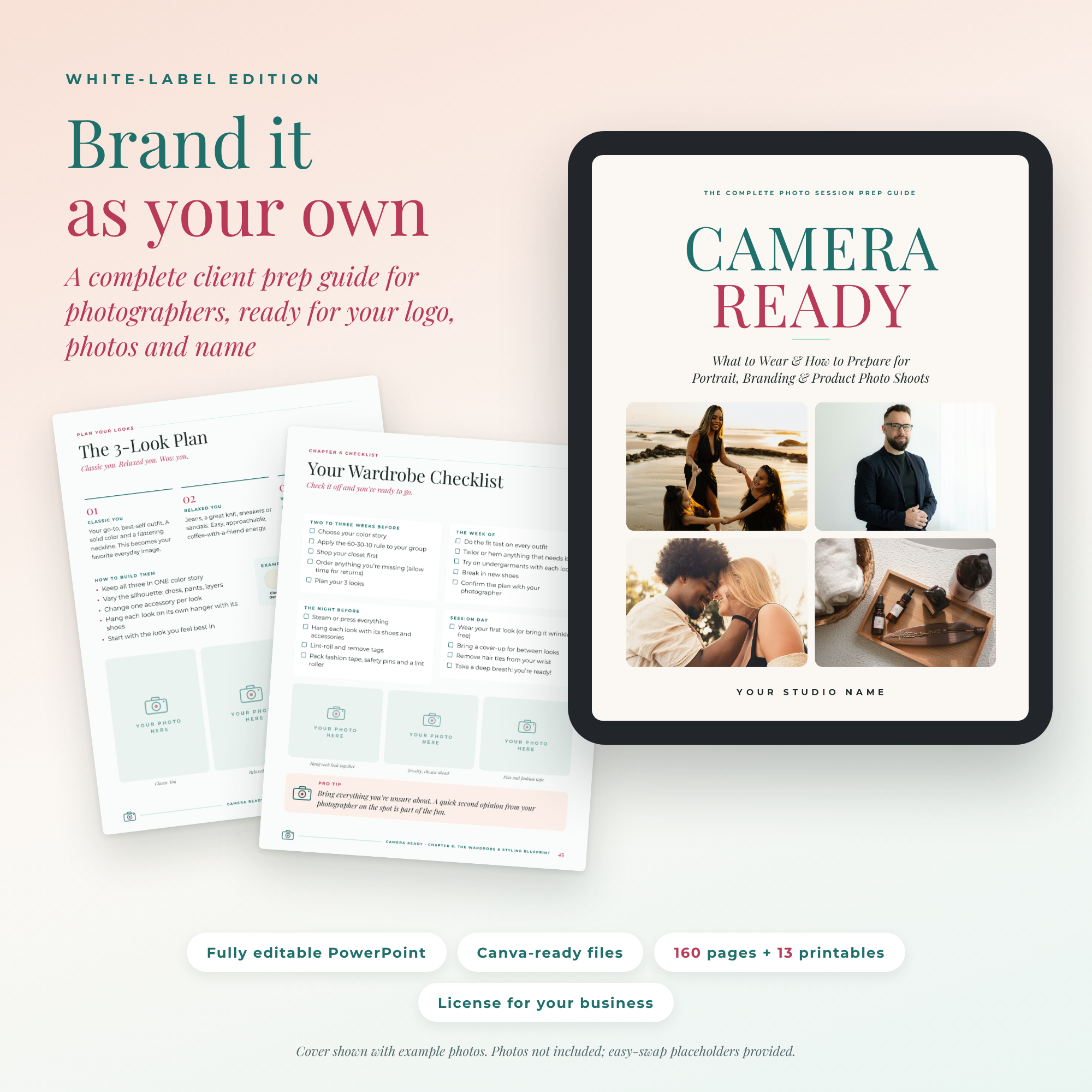
160-page editable guide + 13 client printables · Add your brand and send
How many times have you answered "What should we wear?" this month? Or watched a session go sideways because a client showed up in neon, with no backup plan for the weather?
Camera Ready gives your clients a complete, professionally written prep guide with your name, logo and photos on it. Clients arrive prepared, coordinated and confident, and you spend less time answering the same questions and more time creating images you're proud of.
Written by a working portrait photographer with more than 20 years of experience, it's ready to brand and send in an afternoon. No writing or designing from scratch.
With Camera Ready, you'll:
Get better-dressed clients. Color formulas, palettes and the 3-Look Plan mean fewer clashing outfits and more cohesive galleries.
Field fewer emails. Wardrobe, locations, weather, timing and what to bring are answered before clients ask.
Run smoother sessions. Clients arrive relaxed, on time and ready, so you shoot more and wrangle less.
Deliver a premium client experience that sets you apart from photographers who send a one-page "what to wear" list.
Have one guide for every session type you offer, from families, newborns and seniors to weddings, personal branding, headshots and product shoots.
Built to make your branding easy:
"Your photo here" placeholders on every page, with rounded corners already set. Just drop in your own portfolio images.
Bracketed placeholders for your name, studio, website and contact details, so a quick find-and-replace makes it yours.
Ready-made "Meet Your Photographer" and "About Your Photographer" pages with sample text to personalize.
"Ask Your Photographer" boxes throughout, perfect for adding your own policies.
Neutral "your photographer" wording that works for solo shooters and studios alike.
Easy to tailor: change the colors and fonts to match your brand, or remove chapters for sessions you don't offer.
What's included:
The full Camera Ready guide, 160 pages, as an editable PowerPoint with clickable contents and index.
13-page client printables kit (editable): outfit planner, family color planner, shot lists, countdown checklist, session details sheet and more.
Client Start Here page (editable), to send with your guide.
Canva-ready import files, sized for Canva's upload limits.
Photographer Start Here guide, with step-by-step instructions for branding and sharing your guide.
PDF previews of every file.
No Canva subscription required. Edit in PowerPoint, Keynote, Google Slides or Canva, whichever you already use.
Prefer a one-click Canva template? Add the Canva template link at checkout for $27.
How to use it:
Send it after booking, in your welcome email or client portal, so clients start preparing right away.
Include it in your session packages as a value-add.
Use the chapters for your blog, emails and social media tips.
License: one photography business, unlimited clients. You may brand, edit and share the finished PDF with your own clients. You may not resell, share or redistribute the editable files.
Good to know:
This is a digital download, delivered instantly by email.
Stock photos are not included. Placeholders are ready for your own images.
The fonts used (Playfair Display, Montserrat and Great Vibes) are free Google Fonts.
Give every client the guide you wish they'd read before every session, with your name on it.